
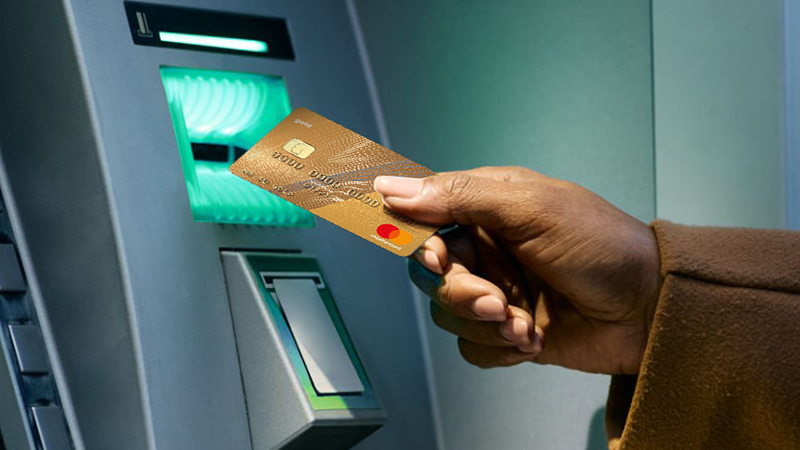
ATM Banking
Get cash and access to a range of banking services that are secure and accessible with ATM Banking.
Some of the benefits
Quick cash
Get up to R 10 000 per day quickly without visiting a branch
Safe and secure
24/7 Self-service banking at secure locations nationwide
Skip the branch
Get daily banking services done without going into a branch
Fast machines
Enjoy quick transaction times from AutoCash and advanced banking services from deposit-taking ATMs
Have more questions?
Learn more about different ways to bank at the ATM
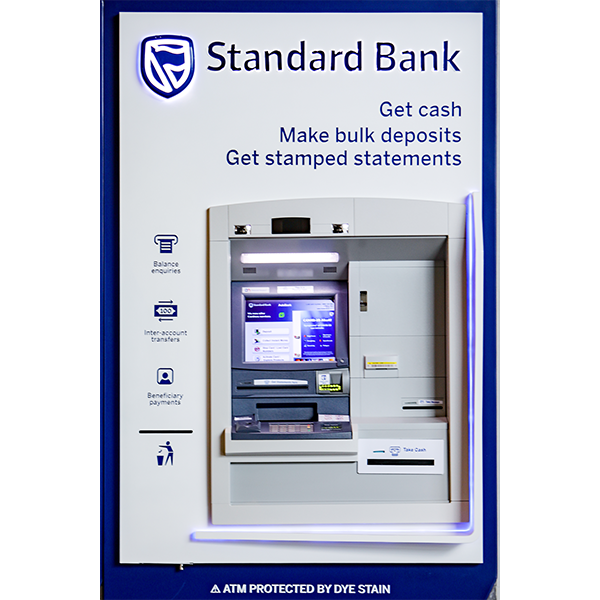
10 ATM safety tips
1. Never give your PIN to anyone, including bank staff.
2. Don't accept help from strangers and if someone approaches you at an ATM, cancel the transaction and remove your card.
3. Use in-branch ATMs and ones you’re familiar with whenever possible.
4. Never use an ATM that’s been vandalised or that’s located in a badly lit, quiet area.
5. Have your card ready in your hand when you get to the ATM, and check your card before you leave to make sure it’s yours.
6. Stand close to the ATM and always cover the keypad while entering your PIN.
7. Follow the ATM’s instructions carefully, entering the required information only when prompted, and don’t leave your card unattended in the card slot.
8. Keep cash withdrawals to a minimum, as well as your daily cash withdrawal limit.
9. Check your bank statements regularly.
10. Cancel your card immediately if it’s stolen or retained by the ATM.
Frequently asked questions about ATM Banking
What can I do at an ATM?
You can:
1. Reset your PIN
2. Withdraw money
3. Redeem an Instant Money voucher
4. Deposit cash
5. Pay a beneficiary
6. Transfer money between your Standard Bank accounts
7. Get a bank statement and a bank account confirmation letter
8. Increase and decrease your daily and monthly withdrawal limits
How do I deposit money?
You can deposit money with or without your bank card.
For cardless deposits:
1. Select the ‘Deposit’ option on the ATM screen
2. Select the ‘Standard Bank Account’ option on screen
3. You’ll be asked to accept Terms and Conditions – select ‘Yes’ or ‘No’
4. Enter the account number you want to deposit funds into and enter a payment reference
5. Enter a contact number
6. Choose to email a receipt or not
7. Next, you’ll be asked for consent – select Yes or No
8. Place the cash upright into the slot and, once you’ve confirmed that all the details are correct, select ‘Proceed’
9. Select ‘Deposit Complete’
A slip of your transaction will be printed.
For cash deposits with a card:
1. Insert your card
2. Enter your 5-digit PIN
3. Select ‘More Services’
4. Select ‘Deposit Cash’
5. You’ll be asked to accept Terms and Conditions – select ‘Yes’ or ‘No’
6. Select ‘My Accounts’ and select the account you want to make the deposit into
7. Place the cash upright into the slot, confirm that all the details are correct, and select ‘Proceed’
8. A slip will be printed and your card will be returned
Can I reset my PIN at the ATM?
Yes, you can reset your 5-digit PIN.
Steps:
1. Insert your card
2. Enter your current 5-digit PIN
3. Select ‘More Services’
4. Select ‘Change PIN’
5. Enter your current PIN
6. Next, enter the 5-digit PIN of your choice
7. You’ll be asked to confirm the PIN you’ve chosen
A slip will be printed and your card will be returned.
Can I pay a beneficiary using an ATM?
Yes, you can pay a beneficiary using an ATM.
Steps:
1. Insert your card and enter your 5-Digit PIN
2. Select ‘More Services’
3. Select ‘Payments and Transfers’
4. Select ‘Beneficiary’ and ‘Pay Beneficiary’
5. Select the beneficiary you want to pay and enter the amount
6. Once you’ve confirmed that the details are correct, select ‘Proceed’
After the transaction is complete, you can choose to print a slip or not.
Note: Payments to other banks takes up to 2 business days.
Can I do an inter-account transfer?
Yes, you can transfer money between your Standard Bank accounts at an ATM.
Steps:
1. Insert your card
2. Enter your 5-digit PIN
3. Select the ‘More Services’ option
4. Select ‘Payments and Transfers’
5. Select ‘Inter-account’
6. Choose the account you want to transfer funds from
7. Choose the account you want to transfer funds to
8. Confirm that all the details are correct
You can also choose to print a slip for the transaction.
Find an ATM
Find your nearest ATM
Learn about the different ways you can bank
Self service banking

10 Benefits to using our app
Wherever you are or wherever you’re going, banking has never been this easy and convenient. With your Standard Bank App, it only takes reaching into your pocket to fulfil your every banking need.
Self service banking

How self-service banking makes life better
Being able to do your banking from wherever you like and whenever you want makes handling your finances easier. With our range of self-service banking options, you can manage your money your way.

We also offer
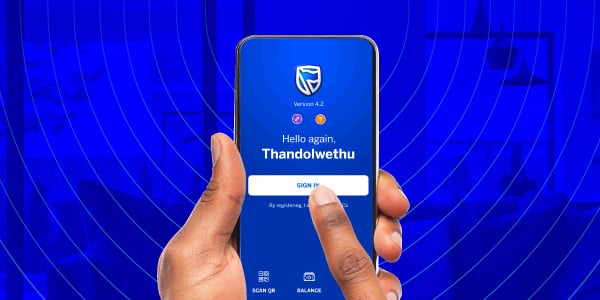
Get the Standard Bank App
Scan the code with your phone’s camera or QR code scanner to download our Banking App

Online Banking just got smarter
No more banking hours and no more queues, our upgraded Online Banking experience empowers you to manage your finances 24/7, from any device.

Cellphone Banking
Bank securely from your cellphone - anywhere, anytime. Get access to your bank accounts by dialling *120*2345# and pay your bills, buy data, and make payments.
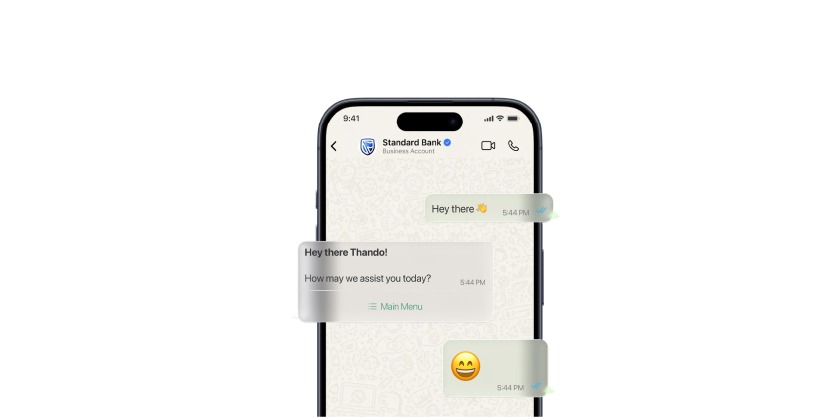
WhatsApp banking
Chat with our verified chatbot assistant on WhatsApp and use helpful banking features anytime. Let's Chat