
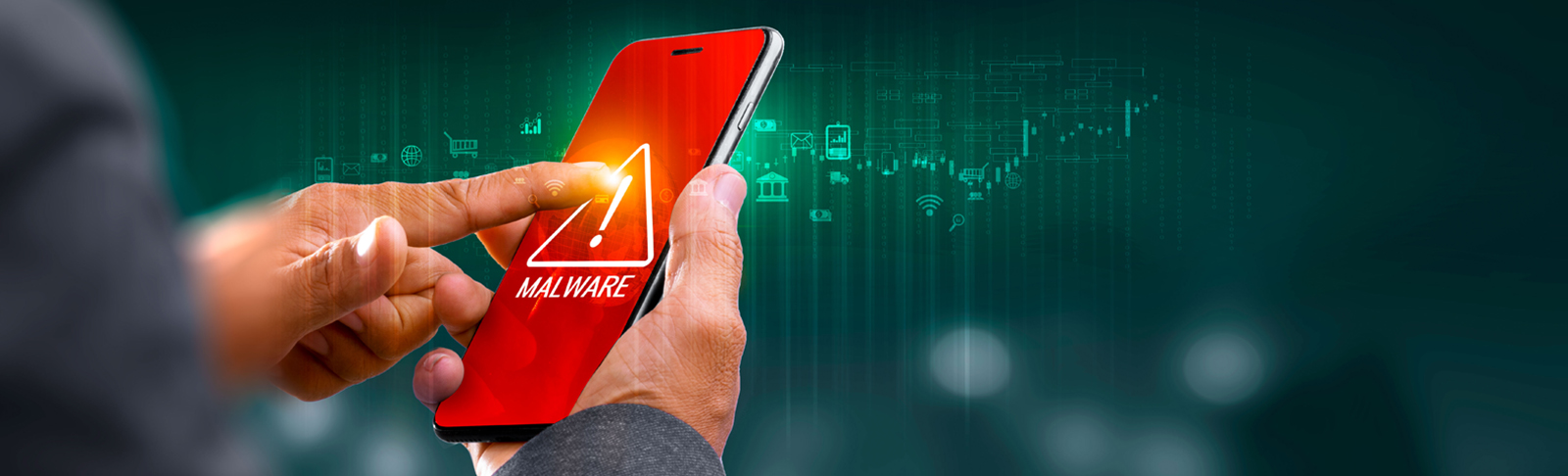
Bank safely with malware protection
Scammers are increasingly using malicious software (malware) to gain access to sensitive banking information.
The good news is that our Banking App can now detect known malware, helping you keep your account secure.
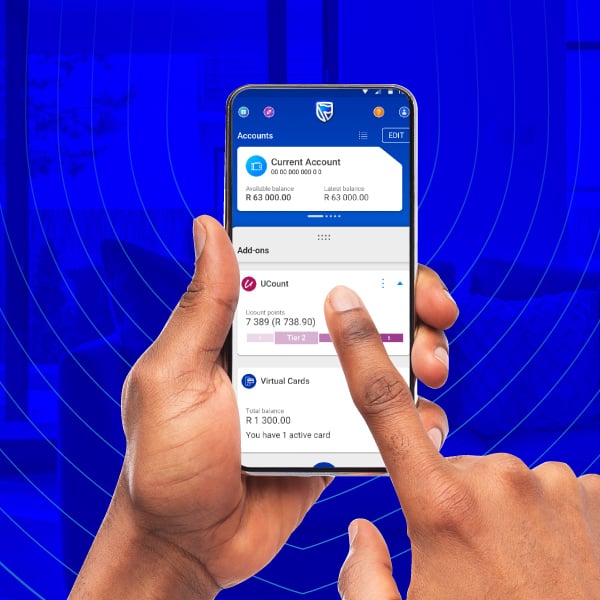
How it works
This feature is automatically enabled on the Banking App. It will protect you by detecting apps or activity that’s trying to get information at risk. If something looks suspicious, we’ll let you know right away.
If malware has been detected, you need to do the following:
Android phones
- Open Settings
- Tap Apps or Apps & notifications
- Scroll through the list and select the suspicious app
- Tap Uninstall
- Tap OK or Confirm to finish
Huawei phones
- Open Settings
- Tap Apps
- Find and tap the untrusted app
- Tap Uninstall
- Confirm by tapping OK
iOS phone:
- Find the suspicious app on your Home Screen
- Press and hold the app icon
- Tap Remove App
- Select Delete App
- Tap Delete to confirm
Once you’ve deleted the apps, wait 15 minutes, and sign back into the Banking App.
Still having trouble? Please contact us on 0800 222 050 for assistance.
-
How it works
This feature is automatically enabled on the Banking App. It will protect you by detecting apps or activity that’s trying to get information at risk. If something looks suspicious, we’ll let you know right away.
If malware has been detected, you need to do the following:
Android phones
- Open Settings
- Tap Apps or Apps & notifications
- Scroll through the list and select the suspicious app
- Tap Uninstall
- Tap OK or Confirm to finish
Huawei phones
- Open Settings
- Tap Apps
- Find and tap the untrusted app
- Tap Uninstall
- Confirm by tapping OK
iOS phone:
- Find the suspicious app on your Home Screen
- Press and hold the app icon
- Tap Remove App
- Select Delete App
- Tap Delete to confirm
Once you’ve deleted the apps, wait 15 minutes, and sign back into the Banking App.
Still having trouble? Please contact us on 0800 222 050 for assistance.
Frequently asked questions
What is malware?
Malware is any malicious software that gets onto your device to try and access your information.
It can damage your device or trick you into doing something unsafe.
- It can pretend to be a trusted app or even copy the name of a brand you trust
- It will try to steal information like passwords or banking details
- It can slow your phone down or show adverts and pop-ups
- It gets on your phone when you download apps from unofficial sites or if you click on a link
Why am I seeing this warning on my Banking App?
Our Banking App detects when another app on your device is trying to access your banking information. We will notify you so you can protect your information.
What should I do if I see a suspicious app?
Delete the harmful app and wait 15 minutes before trying to sign in again. Always ensure you download an app from the official app store.
I can’t find the malicious app on my phone. What should I do?
If you’re unsure, contact our support team for help in identifying the app to safely remove it.
How did this malware get onto my device?
Malware can be installed on your device from unofficial sites, by clicking on unknown links, installing apps that pretend to be trusted apps, or by scanning unknown QR codes.
Does a warning mean that my device has been hacked?
It means an app on your device is behaving suspiciously. Our Banking App has detected this early so you can remove it, before more harm is done.
Why do I need to wait 15 minutes before signing in again?
Waiting allows the app to ensure the harmful software is blocked and prevents it from attempting to access your banking information again.
Will deleting the suspicious app fix the issue?
Removing the malware usually fixes the problem. You also need to ensure to always keep your Banking App updated to the latest version.
Can I still use my phone?
Yes, you can still use your phone, but you need to delete harmful apps before looking at sensitive information.
How does the Banking App know about other apps on my phone?
The app only detects unusual behaviour that could put your banking security at risk, such as apps attempting to read banking information.
What if I accidentally delete the wrong app?
If you’re unsure about an app, please contact us before deleting anything. We’re here to help.
Will this happen again?
It can happen if you download an app from an unofficial app store or if you click on a link that you’re unsure of.
How can I prevent malware in the future?
Only download apps from trusted stores, avoid clicking on unknown links, and keep your device updated.